
A shop is any place tools live - a warehouse, a yard, a job trailer. Every tool belongs to a shop, so at least one has to exist before you add inventory.
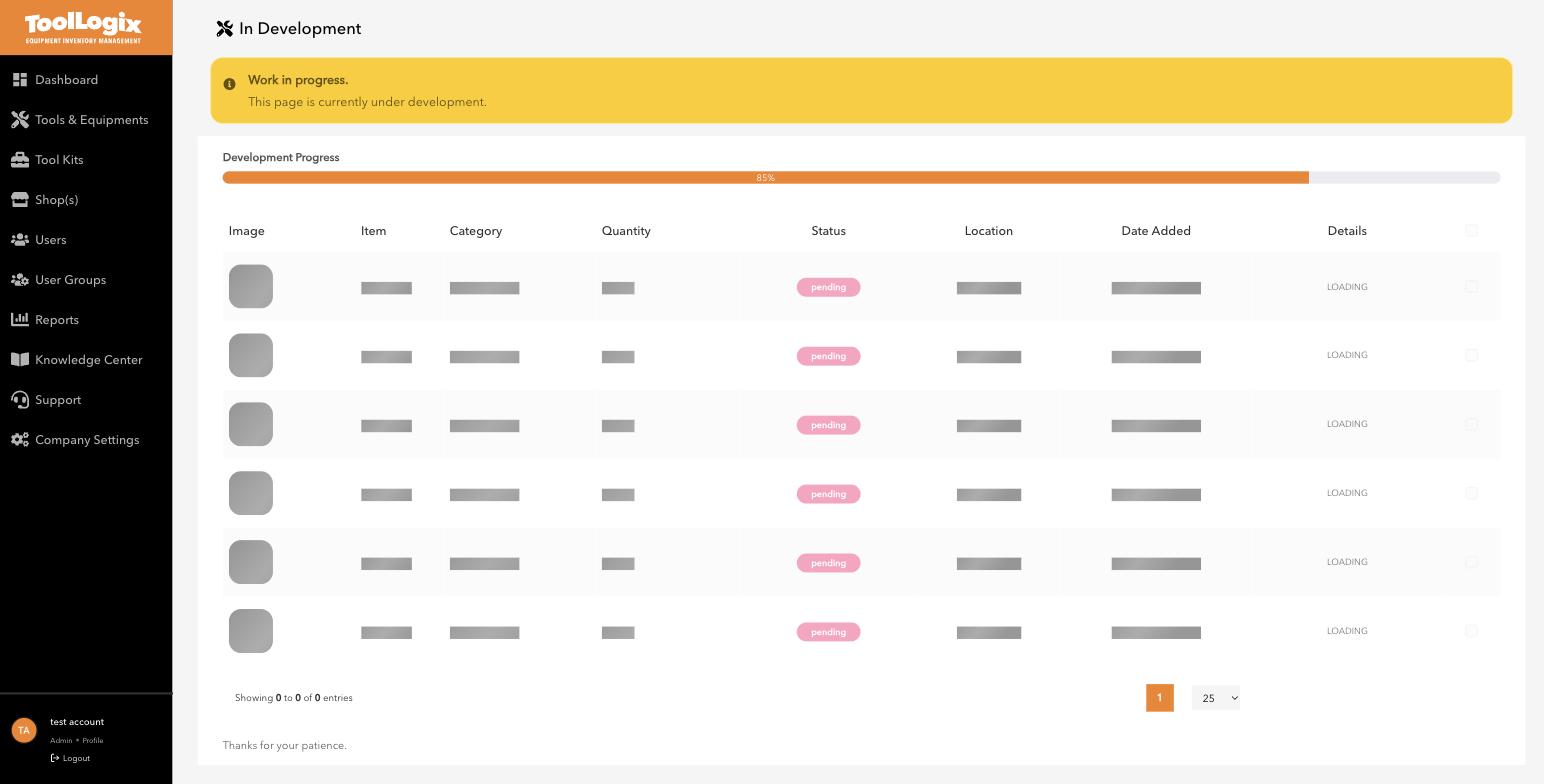
Creating a shop[PLACEHOLDER - re-verify before publishing.] As of this writing, Shop(s) → Create Shop is showing an "under development" placeholder in the live app rather than the creation form. The steps below reflect what an earlier walkthrough observed and should be re-confirmed against the live form before this article goes out:
- In the left menu, open Shop(s) and click Create Shop.
- Enter the shop's name, address, phone, and email, and assign a supervisor.
- Set the shop's hours.
This part is fully confirmed on an existing shop record. Shop hours aren't just informational - they drive the "Open at [time] Tomorrow" pickup option when someone assigns gear. On the existing Shellco Shop record, for example, the shop detail view shows "opens on Friday at 12 am till 11 pm (UTC-4)" directly under the shop's stock count - and that exact line is what a Field Worker sees as their pickup-time option when gear is assigned to them outside business hours.
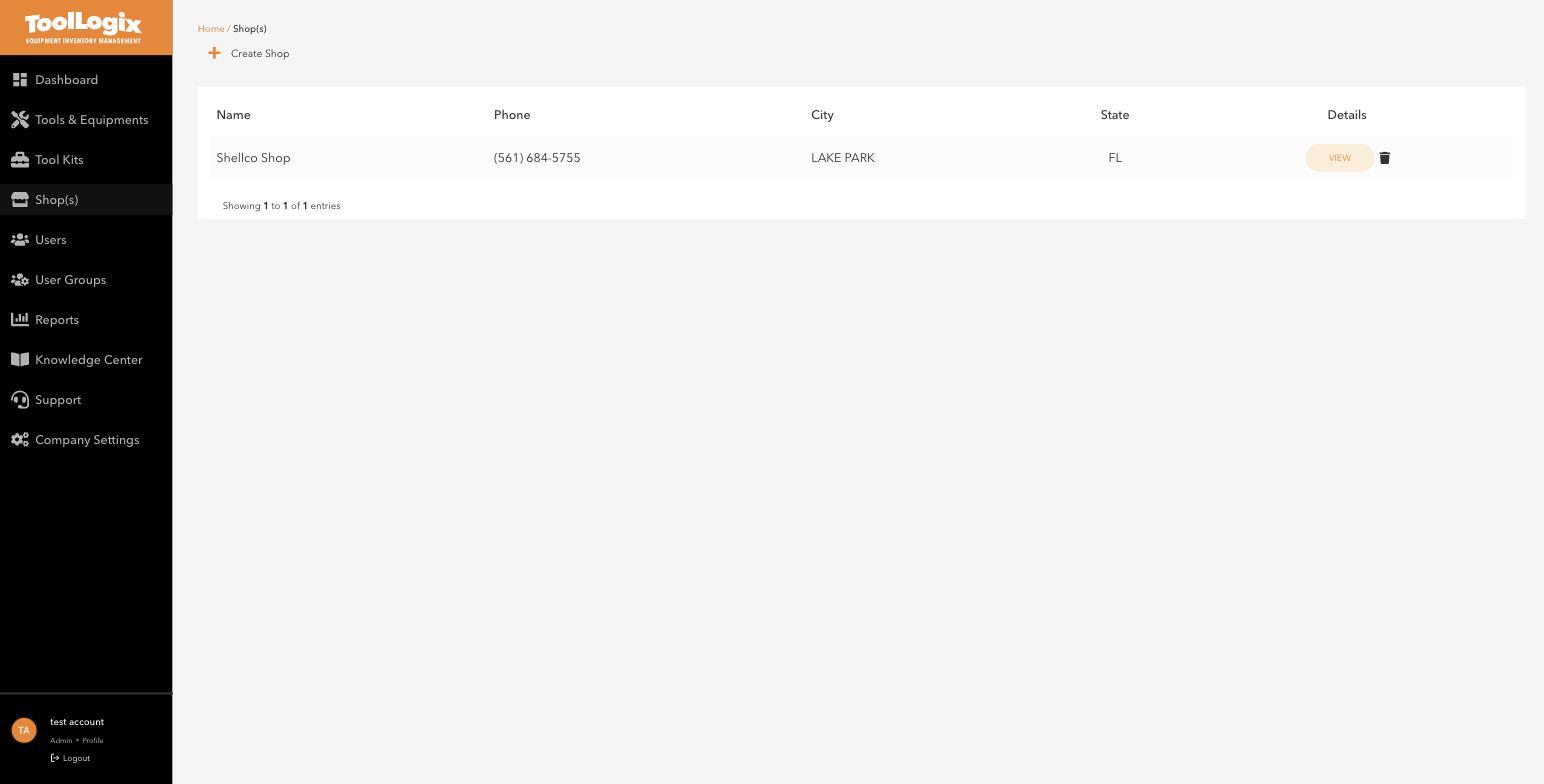
If you run one location, create one shop and add others later - there's no penalty for starting small.
If something goes wrongCreate Shop shows an "under development" message. This is a known current issue - it happened during a live check on Aug 19, 2026. Contact Support rather than assuming the feature is permanently gone.
Still stuck? Open Support in the left menu of the app and click Create ticket, and we'll respond within one business day.